In this chapter, we will understand how to create custom Alert component.
Step 1: App.js
import React from 'react'
import AlertExample from './alert_example.js'

const App = () => {
   return (
  <AlertExample />   )
}
export default App
Step 2: alert_example.js
We will create a button for triggering the showAlert function.
import React from 'react'
import { Alert, Text, TouchableOpacity, StyleSheet } from 'react-native'

const AlertExample = () => {
   const showAlert = () =>{
  Alert.alert(
     'You need to...'
  )   }
   return (
  <TouchableOpacity onPress = {showAlert} style = {styles.button}>
     <Text>Alert</Text>
  </TouchableOpacity>   )
}
export default AlertExample

const styles = StyleSheet.create ({
   button: {
  backgroundColor: '#4ba37b',
  width: 100,
  borderRadius: 50,
  alignItems: 'center',
  marginTop: 100   }
})
Output
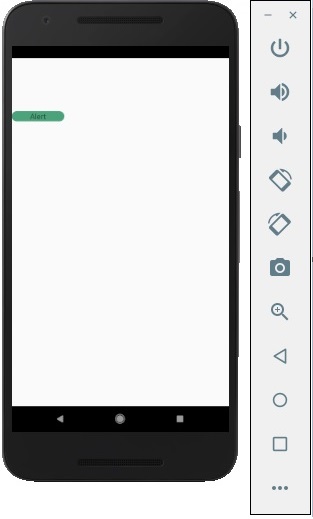
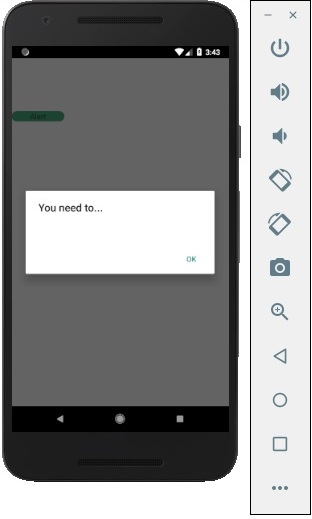
When you click the button, you will see the following −
Leave a Reply